🚚 Free Worldwide Shipping on All Orders!Shop Now
\n\n \n\n \n\n\n\n\n \n
\n
\n \"ProtoArc\n
\n\n
\n \"ProtoArc\n
\n
\n \n\n \n
\n \n
\n \n\n \n
\n

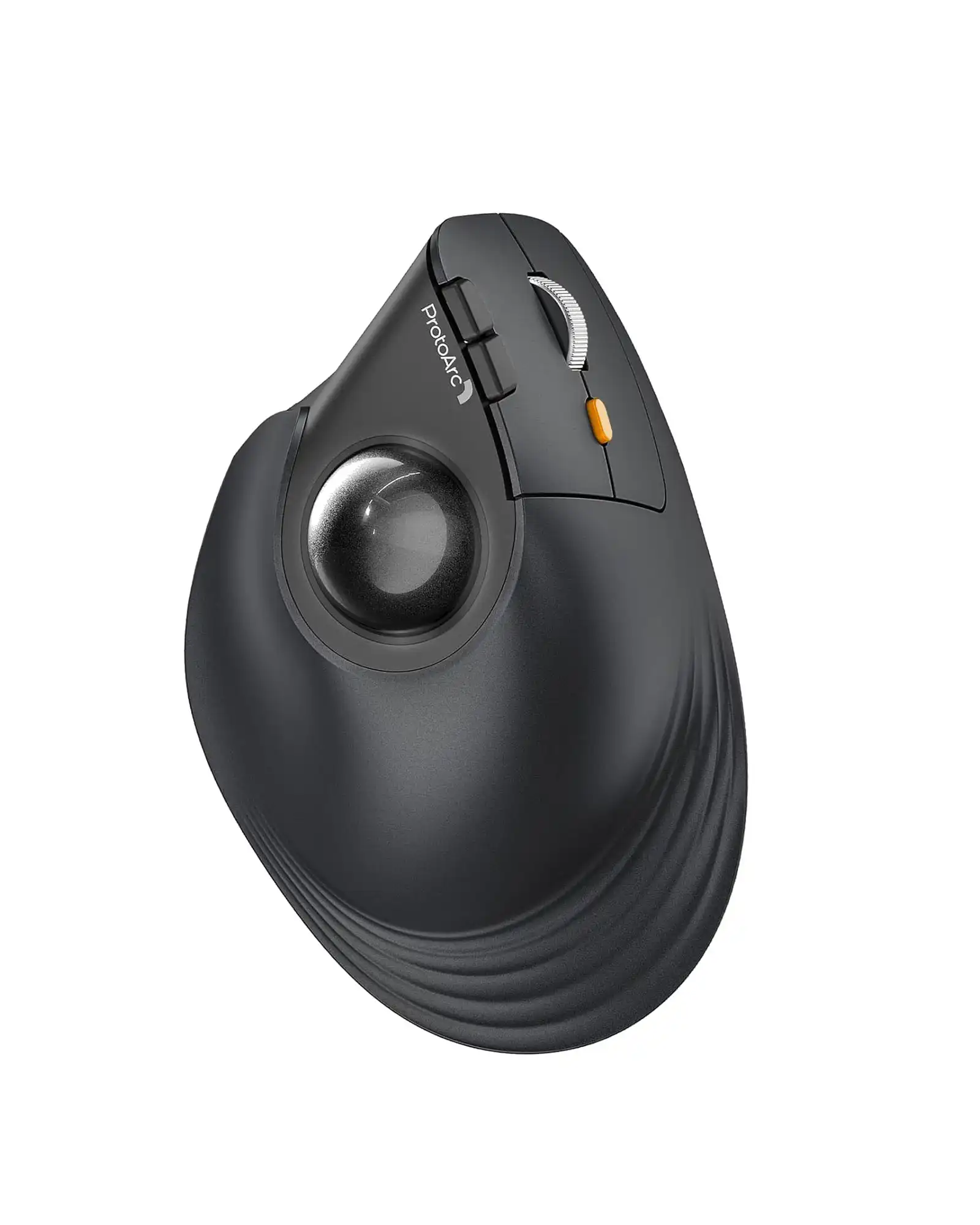
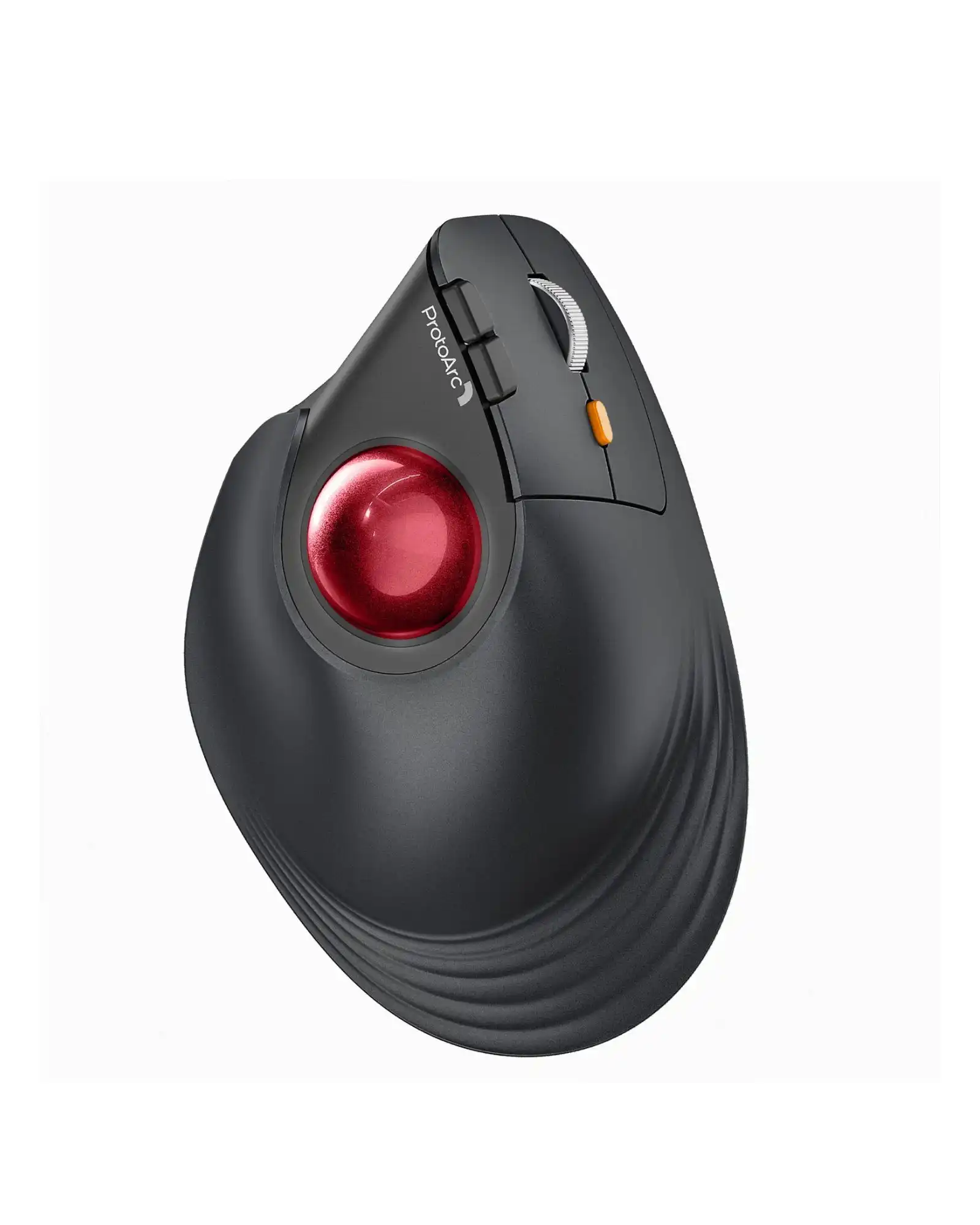
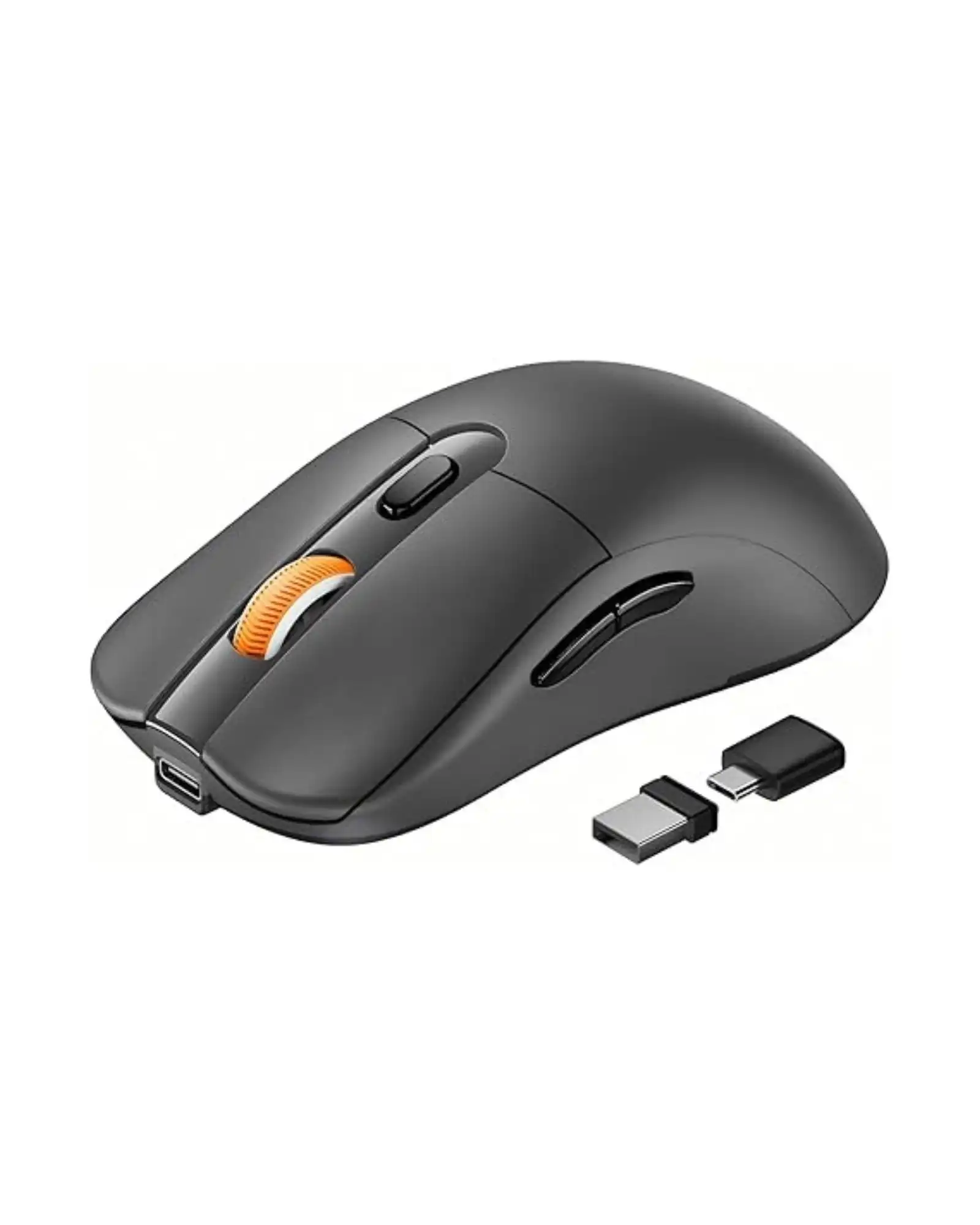
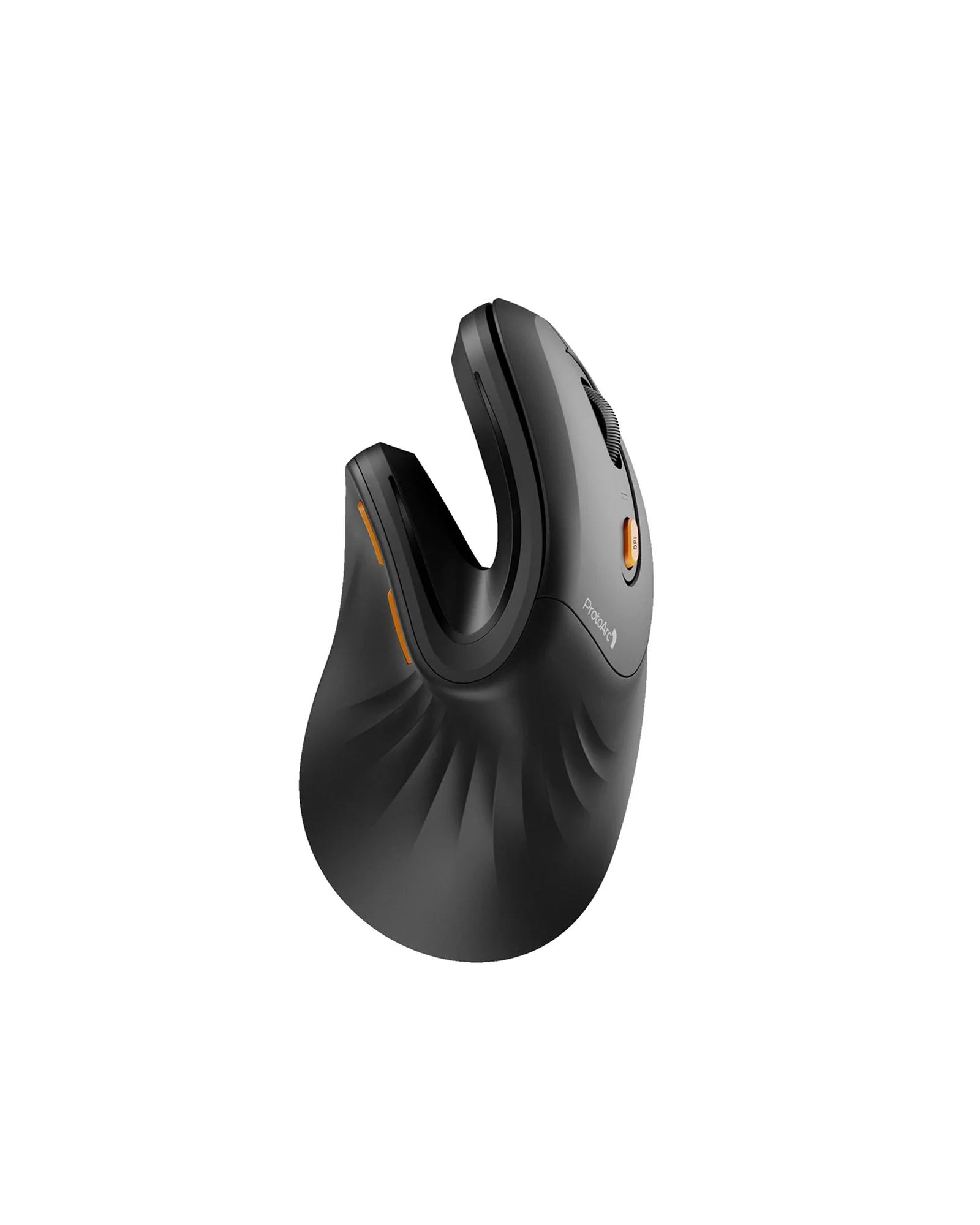
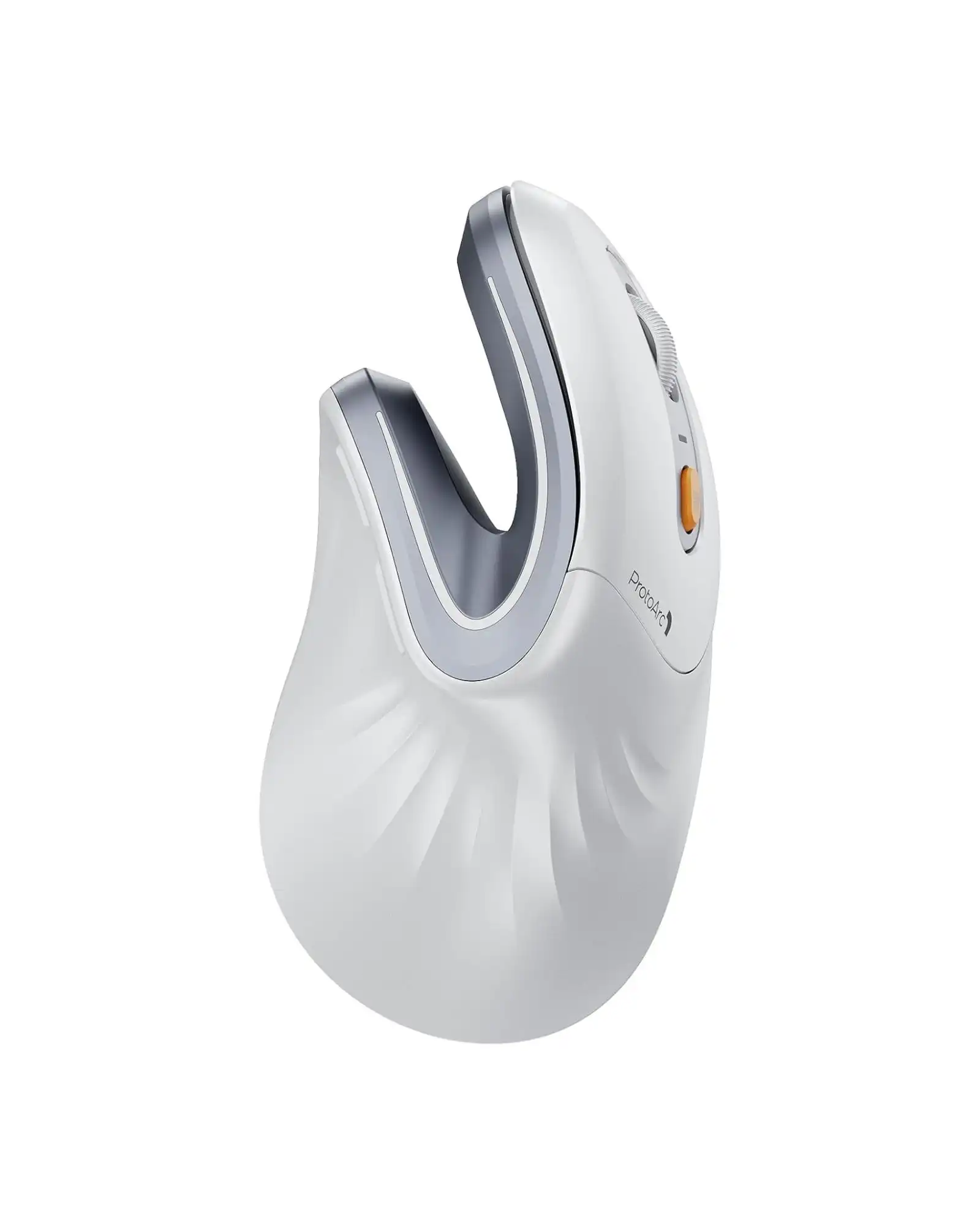
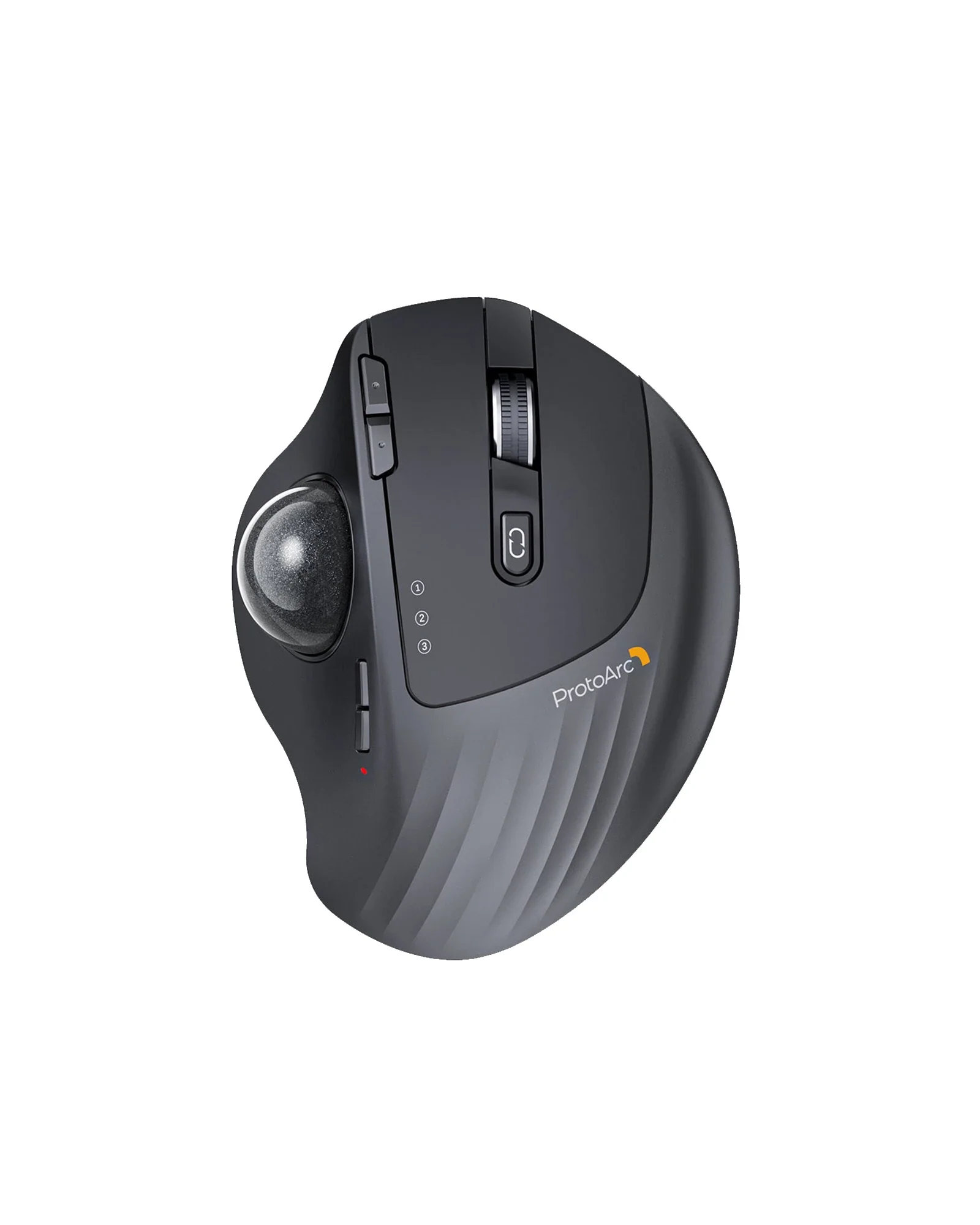
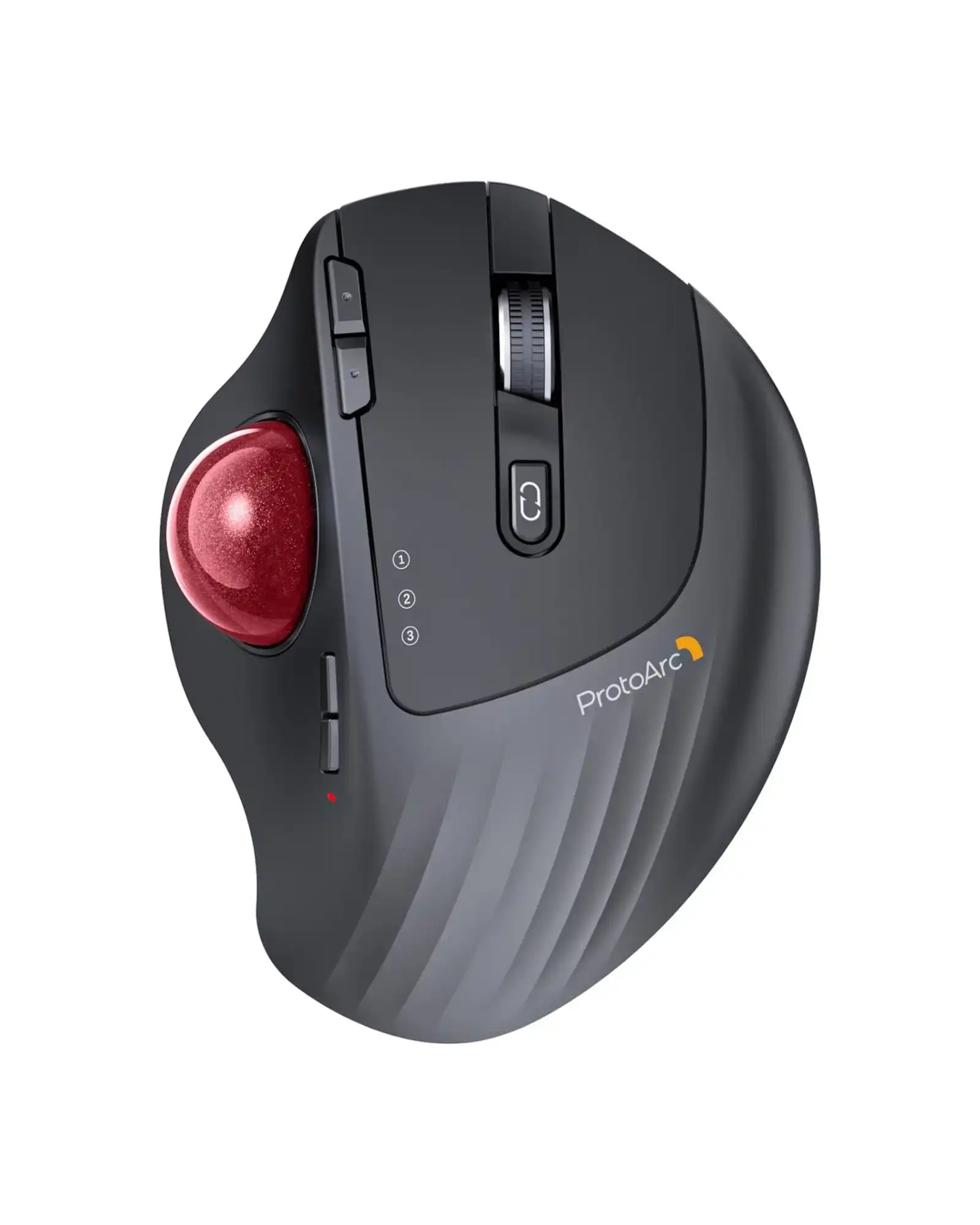
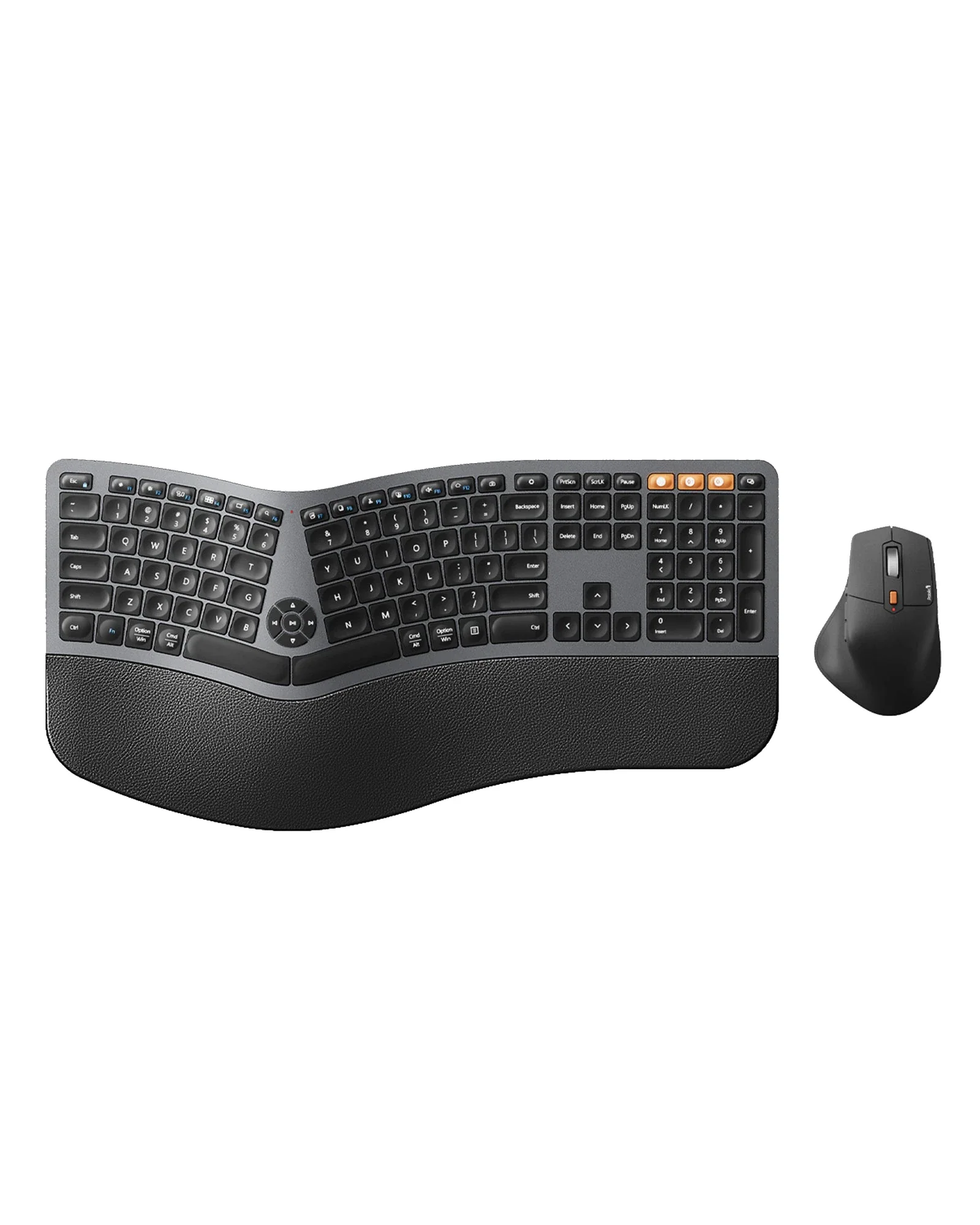
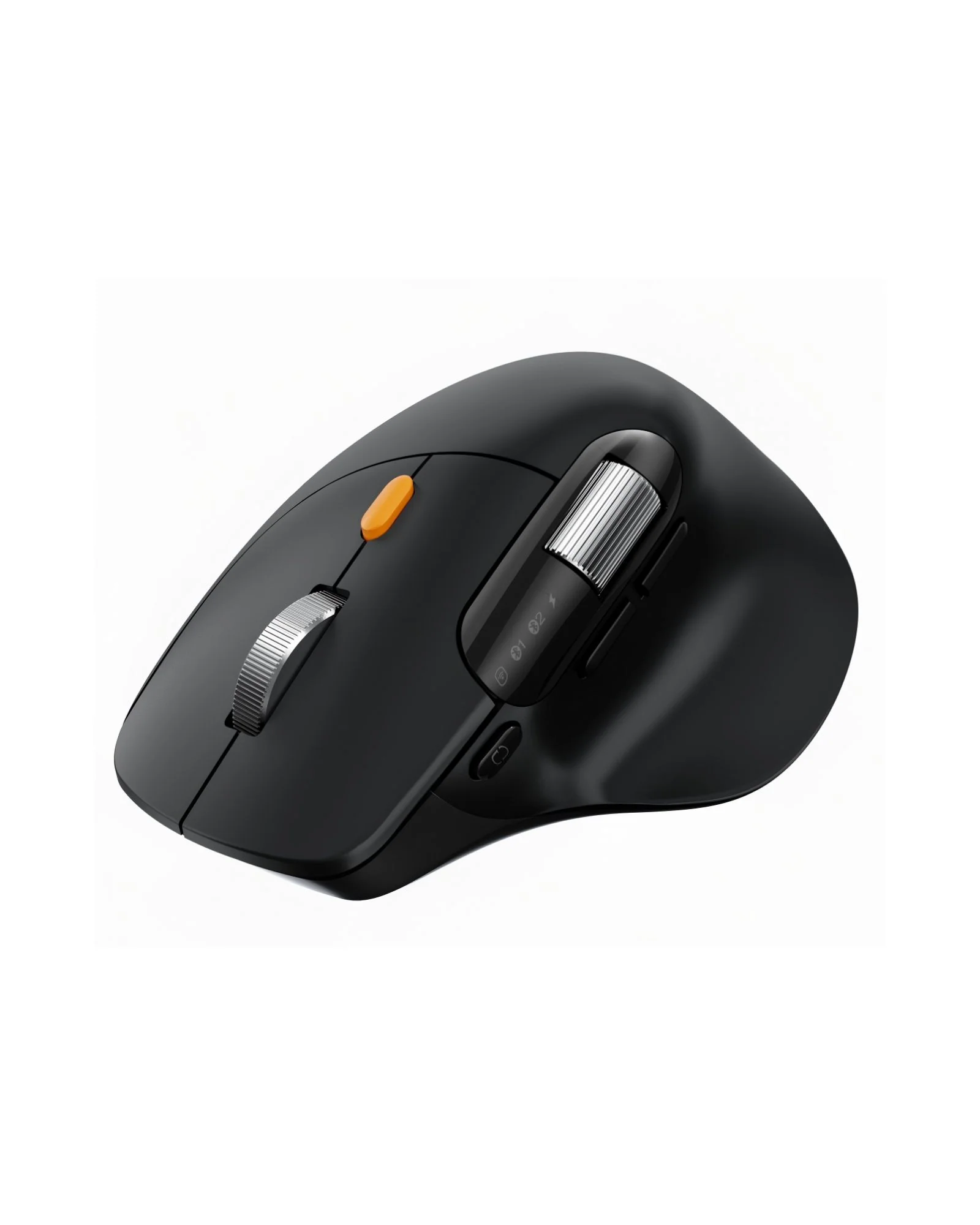
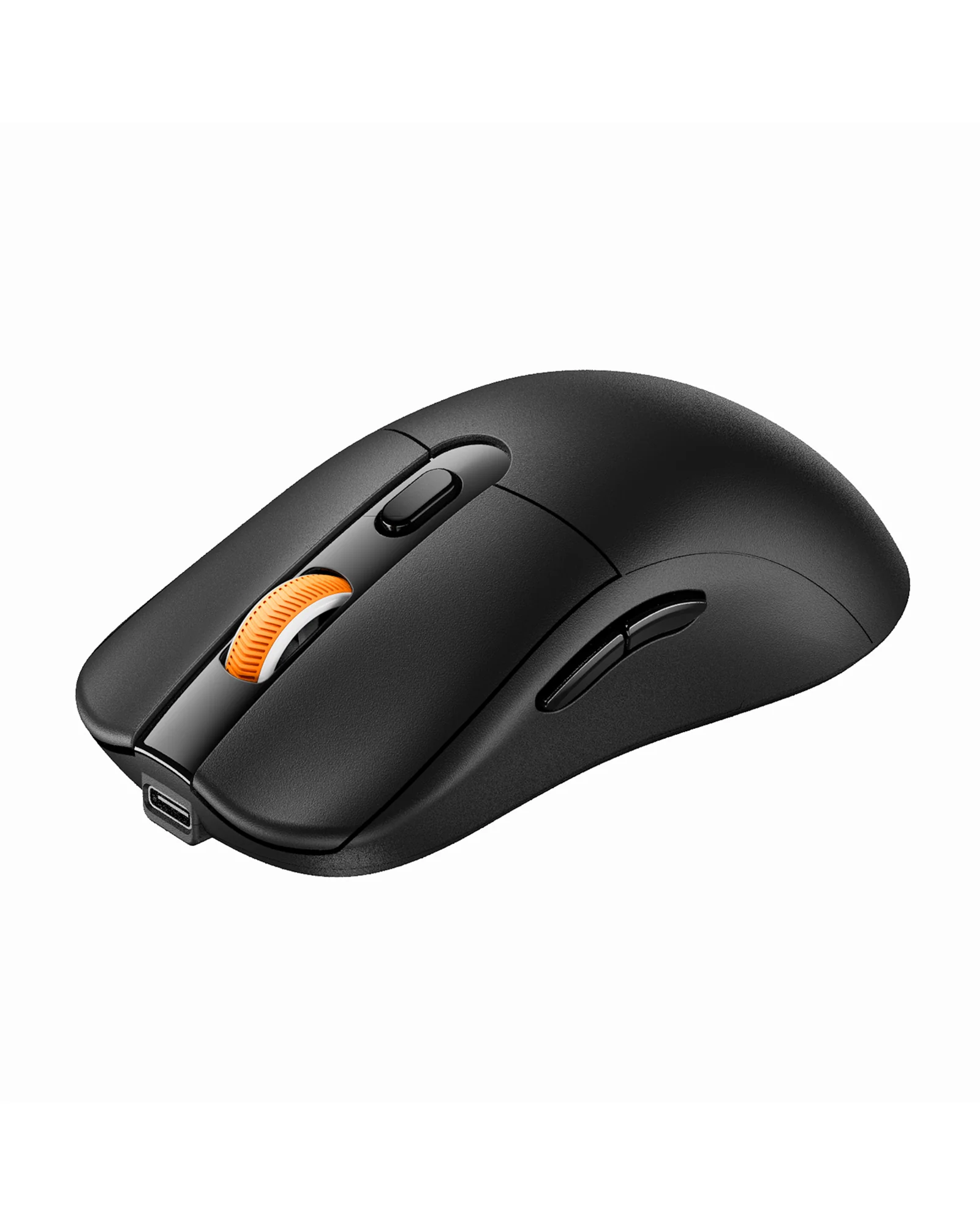
\n ProtoArc EM25 is a fast-scroll ergonomic mouse designed to help you move through long pages, spreadsheets, and documents more efficiently. With a 1000-line high-speed scroll wheel and thumb wheel control, it reduces scrolling effort while keeping navigation smooth and precise.\n

\n

\n It also supports web-based button customization and macro creation, so you can assign shortcuts and automate repetitive actions without downloading software. Combined with up to 8000 DPI precision, quiet clicks, rechargeable power, and multi-device connectivity, EM25 is built for productivity-focused workflows.\n

\n
\n \n\n \n
\n
\n
\n bolt\n

1,000 Lines/S Fast Scrolling

\n
\n
\n\n
\n
\n swap_horiz\n

Thumb Scroll Wheel

\n
\n
\n\n
\n
\n auto_fix_high\n

Macro Customization

\n
\n
\n\n
\n
\n devices\n

Connect Up to 3 Devices

\n
\n
\n\n
\n
\n pan_tool\n

Ergonomic Comfort

\n
\n
\n\n
\n
\n ads_click\n

8000 DPI Precision

\n
\n
\n
\n \n\n \n
\n
\n

Overview

\n
\n\n
\n \"ProtoArc\n\n \"ProtoArc\n\n \"ProtoArc\n\n \"ProtoArc\n\n \"ProtoArc\n\n \"ProtoArc\n\n \"ProtoArc\n\n \"ProtoArc\n
\n
\n \n\n \n
\n

EM25 Setup & Driver Guide

\n

\n Set up button customization, macros, and advanced controls through the EM25 web-based tool. No software download required.\n

\n Open EM25 Setup Guide\n
\n \n\n \n
\n
\n

Why Choose ProtoArc EM25

\n

\n ProtoArc EM25 is designed for people who want to move faster through their work without giving up control. Its high-speed scroll wheel helps you fly through long pages, spreadsheets, and documents, while the thumb wheel makes horizontal navigation smoother and more efficient.\n

\n

\n With web-based customization and macro support, you can assign shortcuts and automate repetitive actions to streamline your workflow. Add ergonomic comfort, quiet clicks, rechargeable power, multi-device switching, and up to 8000 DPI precision, and EM25 becomes a practical mouse for modern productivity.\n

\n
\n
\n \n\n\n
\n
\n

FAQ

\n
\n\n
\n
\n

1. How many devices can ProtoArc EM25 connect to?

\n

\n EM25 can connect to up to 3 devices at the same time through 2.4G USB and two Bluetooth channels.\n You can switch between devices with a simple button press.\n

\n
\n\n
\n

2. Which operating systems are supported?

\n

\n EM25 supports Windows, macOS, ChromeOS, iPadOS, and Android for general use, including pointer movement,\n scrolling, and basic functions.\n

\n
\n\n
\n

3. Which systems support driver and customization?

\n

\n The driver and customization features, including button remapping and macro setup, are supported on\n Windows and macOS only. A USB connection is required during setup.\n

\n
\n\n
\n

4. Which browsers are supported for customization?

\n

\n The web-based customization tool works with Google Chrome, Microsoft Edge, and Opera browsers.\n

\n
\n\n
\n

5. Is the mouse rechargeable?

\n

\n Yes. EM25 has a built-in 500mAh rechargeable battery and includes a Type-C cable for charging.\n

\n
\n\n
\n

6. Is it suitable for quiet environments?

\n

\n Yes. The left and right buttons are designed with quiet clicks, making EM25 suitable for offices,\n libraries, and shared workspaces.\n

\n
\n\n
\n

7. Where can I find the EM25 setup and driver guide?

\n

\n You can open the official EM25 setup and configuration guide here:\n Open EM25 Setup Guide\n
\n
\n
\n
\n\n","image":["/images/protronics.shop/images/product/em25-fast-scroll-ergonomic-mouse-1.jpg","/images/protronics.shop/images/product/em25-fast-scroll-ergonomic-mouse-2.webp","/images/protronics.shop/images/product/em25-fast-scroll-ergonomic-mouse-3.webp","/images/protronics.shop/images/product/em25-fast-scroll-ergonomic-mouse-4.webp","/images/protronics.shop/images/product/em25-fast-scroll-ergonomic-mouse-5.webp","/images/protronics.shop/images/product/em25-fast-scroll-ergonomic-mouse-6.webp","/images/protronics.shop/images/product/em25-fast-scroll-ergonomic-mouse-7.webp","/images/protronics.shop/images/product/em25-fast-scroll-ergonomic-mouse-8.webp","/images/protronics.shop/images/product/em25-fast-scroll-ergonomic-mouse-9.webp"],"sku":"em25-fast-scroll-ergonomic-mouse","brand":{"@type":"Brand","name":"ProtoArc"},"offers":{"@type":"AggregateOffer","lowPrice":49.99,"highPrice":49.99,"priceCurrency":"USD","availability":"https://schema.org/InStock","url":"https://protronics.shop/products/em25-fast-scroll-ergonomic-mouse","offerCount":1}}
HomeStore

EM25 Fast-Scroll Ergonomic Mouse

Product image 1
1 / 9
+4

EM25 Fast-Scroll Ergonomic Mouse

ProtoArc EM25 fast-scroll ergonomic bluetooth mouse

ProtoArc EM25 is a fast-scroll ergonomic mouse designed to help you move through long pages, spreadsheets, and documents more efficiently. With a 1000-line high-speed scroll wheel and thumb wheel control, it reduces scrolling effort while keeping navigation smooth and precise.

It also supports web-based button customization and macro creation, so you can assign shortcuts and automate repetitive actions without downloading software. Combined with up to 8000 DPI precision, quiet clicks, rechargeable power, and multi-device connectivity, EM25 is built for productivity-focused workflows.

bolt

1,000 Lines/S Fast Scrolling

swap_horiz

Thumb Scroll Wheel

auto_fix_high

Macro Customization

devices

Connect Up to 3 Devices

pan_tool

Ergonomic Comfort

ads_click

8000 DPI Precision

Overview

ProtoArc EM25 fast scroll wheel and precision control ProtoArc EM25 ergonomic mouse design for comfort ProtoArc EM25 natural wrist comfort and posture support ProtoArc EM25 multi-device connection and adjustable DPI ProtoArc EM25 ergonomic mouse features for work and office ProtoArc EM25 button layout and control design ProtoArc EM25 quiet click wireless mouse ProtoArc EM25 customizable buttons and workflow setup

EM25 Setup & Driver Guide

Set up button customization, macros, and advanced controls through the EM25 web-based tool. No software download required.

Open EM25 Setup Guide

Why Choose ProtoArc EM25

ProtoArc EM25 is designed for people who want to move faster through their work without giving up control. Its high-speed scroll wheel helps you fly through long pages, spreadsheets, and documents, while the thumb wheel makes horizontal navigation smoother and more efficient.

With web-based customization and macro support, you can assign shortcuts and automate repetitive actions to streamline your workflow. Add ergonomic comfort, quiet clicks, rechargeable power, multi-device switching, and up to 8000 DPI precision, and EM25 becomes a practical mouse for modern productivity.

FAQ

1. How many devices can ProtoArc EM25 connect to?

EM25 can connect to up to 3 devices at the same time through 2.4G USB and two Bluetooth channels. You can switch between devices with a simple button press.

2. Which operating systems are supported?

EM25 supports Windows, macOS, ChromeOS, iPadOS, and Android for general use, including pointer movement, scrolling, and basic functions.

3. Which systems support driver and customization?

The driver and customization features, including button remapping and macro setup, are supported on Windows and macOS only. A USB connection is required during setup.

4. Which browsers are supported for customization?

The web-based customization tool works with Google Chrome, Microsoft Edge, and Opera browsers.

5. Is the mouse rechargeable?

Yes. EM25 has a built-in 500mAh rechargeable battery and includes a Type-C cable for charging.

6. Is it suitable for quiet environments?

Yes. The left and right buttons are designed with quiet clicks, making EM25 suitable for offices, libraries, and shared workspaces.

7. Where can I find the EM25 setup and driver guide?

You can open the official EM25 setup and configuration guide here: Open EM25 Setup Guide

ProtoArc EM25 fast-scroll ergonomic bluetooth mouse

ProtoArc EM25 is a fast-scroll ergonomic mouse designed to help you move through long pages, spreadsheets, and documents more efficiently. With a 1000-line high-speed scroll wheel and thumb wheel control, it reduces scrolling effort while keeping navigation smooth and precise.

It also supports web-based button customization and macro creation, so you can assign shortcuts and automate repetitive actions without downloading software. Combined with up to 8000 DPI precision, quiet clicks, rechargeable power, and multi-device connectivity, EM25 is built for productivity-focused workflows.

bolt

1,000 Lines/S Fast Scrolling

swap_horiz

Thumb Scroll Wheel

auto_fix_high

Macro Customization

devices

Connect Up to 3 Devices

pan_tool

Ergonomic Comfort

ads_click

8000 DPI Precision

Overview

ProtoArc EM25 fast scroll wheel and precision control ProtoArc EM25 ergonomic mouse design for comfort ProtoArc EM25 natural wrist comfort and posture support ProtoArc EM25 multi-device connection and adjustable DPI ProtoArc EM25 ergonomic mouse features for work and office ProtoArc EM25 button layout and control design ProtoArc EM25 quiet click wireless mouse ProtoArc EM25 customizable buttons and workflow setup

EM25 Setup & Driver Guide

Set up button customization, macros, and advanced controls through the EM25 web-based tool. No software download required.

Open EM25 Setup Guide

Why Choose ProtoArc EM25

ProtoArc EM25 is designed for people who want to move faster through their work without giving up control. Its high-speed scroll wheel helps you fly through long pages, spreadsheets, and documents, while the thumb wheel makes horizontal navigation smoother and more efficient.

With web-based customization and macro support, you can assign shortcuts and automate repetitive actions to streamline your workflow. Add ergonomic comfort, quiet clicks, rechargeable power, multi-device switching, and up to 8000 DPI precision, and EM25 becomes a practical mouse for modern productivity.

FAQ

1. How many devices can ProtoArc EM25 connect to?

EM25 can connect to up to 3 devices at the same time through 2.4G USB and two Bluetooth channels. You can switch between devices with a simple button press.

2. Which operating systems are supported?

EM25 supports Windows, macOS, ChromeOS, iPadOS, and Android for general use, including pointer movement, scrolling, and basic functions.

3. Which systems support driver and customization?

The driver and customization features, including button remapping and macro setup, are supported on Windows and macOS only. A USB connection is required during setup.

4. Which browsers are supported for customization?

The web-based customization tool works with Google Chrome, Microsoft Edge, and Opera browsers.

5. Is the mouse rechargeable?

Yes. EM25 has a built-in 500mAh rechargeable battery and includes a Type-C cable for charging.

6. Is it suitable for quiet environments?

Yes. The left and right buttons are designed with quiet clicks, making EM25 suitable for offices, libraries, and shared workspaces.

7. Where can I find the EM25 setup and driver guide?

You can open the official EM25 setup and configuration guide here: Open EM25 Setup Guide

$49.99
EM25 Fast-Scroll Ergonomic Mouse
$49.99

Description

ProtoArc EM25 fast-scroll ergonomic bluetooth mouse

ProtoArc EM25 is a fast-scroll ergonomic mouse designed to help you move through long pages, spreadsheets, and documents more efficiently. With a 1000-line high-speed scroll wheel and thumb wheel control, it reduces scrolling effort while keeping navigation smooth and precise.

It also supports web-based button customization and macro creation, so you can assign shortcuts and automate repetitive actions without downloading software. Combined with up to 8000 DPI precision, quiet clicks, rechargeable power, and multi-device connectivity, EM25 is built for productivity-focused workflows.

bolt

1,000 Lines/S Fast Scrolling

swap_horiz

Thumb Scroll Wheel

auto_fix_high

Macro Customization

devices

Connect Up to 3 Devices

pan_tool

Ergonomic Comfort

ads_click

8000 DPI Precision

Overview

ProtoArc EM25 fast scroll wheel and precision control ProtoArc EM25 ergonomic mouse design for comfort ProtoArc EM25 natural wrist comfort and posture support ProtoArc EM25 multi-device connection and adjustable DPI ProtoArc EM25 ergonomic mouse features for work and office ProtoArc EM25 button layout and control design ProtoArc EM25 quiet click wireless mouse ProtoArc EM25 customizable buttons and workflow setup

EM25 Setup & Driver Guide

Set up button customization, macros, and advanced controls through the EM25 web-based tool. No software download required.

Open EM25 Setup Guide

Why Choose ProtoArc EM25

ProtoArc EM25 is designed for people who want to move faster through their work without giving up control. Its high-speed scroll wheel helps you fly through long pages, spreadsheets, and documents, while the thumb wheel makes horizontal navigation smoother and more efficient.

With web-based customization and macro support, you can assign shortcuts and automate repetitive actions to streamline your workflow. Add ergonomic comfort, quiet clicks, rechargeable power, multi-device switching, and up to 8000 DPI precision, and EM25 becomes a practical mouse for modern productivity.

FAQ

1. How many devices can ProtoArc EM25 connect to?

EM25 can connect to up to 3 devices at the same time through 2.4G USB and two Bluetooth channels. You can switch between devices with a simple button press.

2. Which operating systems are supported?

EM25 supports Windows, macOS, ChromeOS, iPadOS, and Android for general use, including pointer movement, scrolling, and basic functions.

3. Which systems support driver and customization?

The driver and customization features, including button remapping and macro setup, are supported on Windows and macOS only. A USB connection is required during setup.

4. Which browsers are supported for customization?

The web-based customization tool works with Google Chrome, Microsoft Edge, and Opera browsers.

5. Is the mouse rechargeable?

Yes. EM25 has a built-in 500mAh rechargeable battery and includes a Type-C cable for charging.

6. Is it suitable for quiet environments?

Yes. The left and right buttons are designed with quiet clicks, making EM25 suitable for offices, libraries, and shared workspaces.

7. Where can I find the EM25 setup and driver guide?

You can open the official EM25 setup and configuration guide here: Open EM25 Setup Guide